Step 1
Your child's progress page
Each skill moves from Learning to Practicing, Nearly mastered, and Mastered, based on recent answers. These are practice indicators, not grades.
On a computer
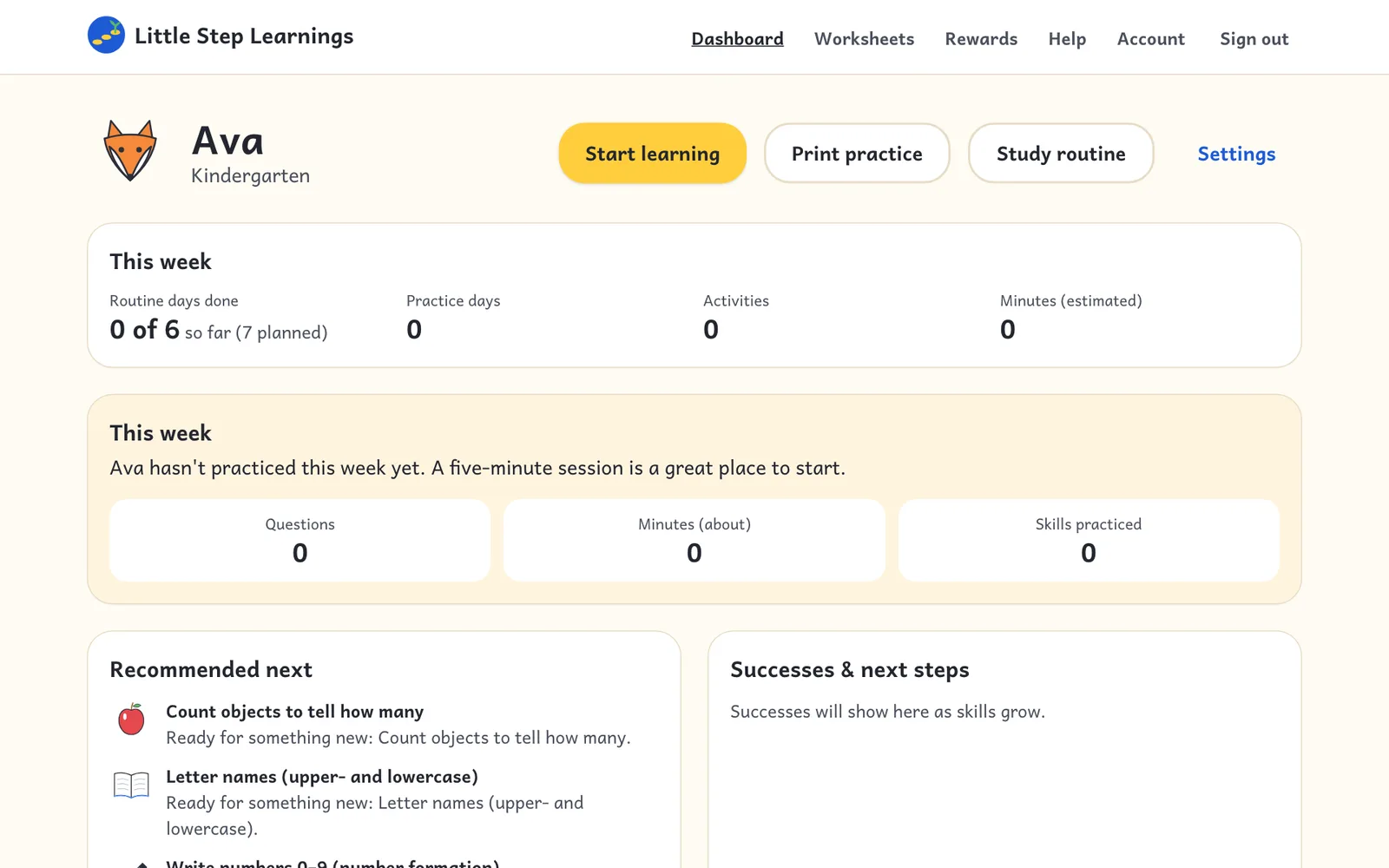
See what your child practiced, what's going well, and what to try next.
Step 1
Each skill moves from Learning to Practicing, Nearly mastered, and Mastered, based on recent answers. These are practice indicators, not grades.
On a computer
Step 2
Reset one skill from the progress page, or all progress from your child's Settings. Download your family's data or delete your account from Account.