Step 1
Start learning
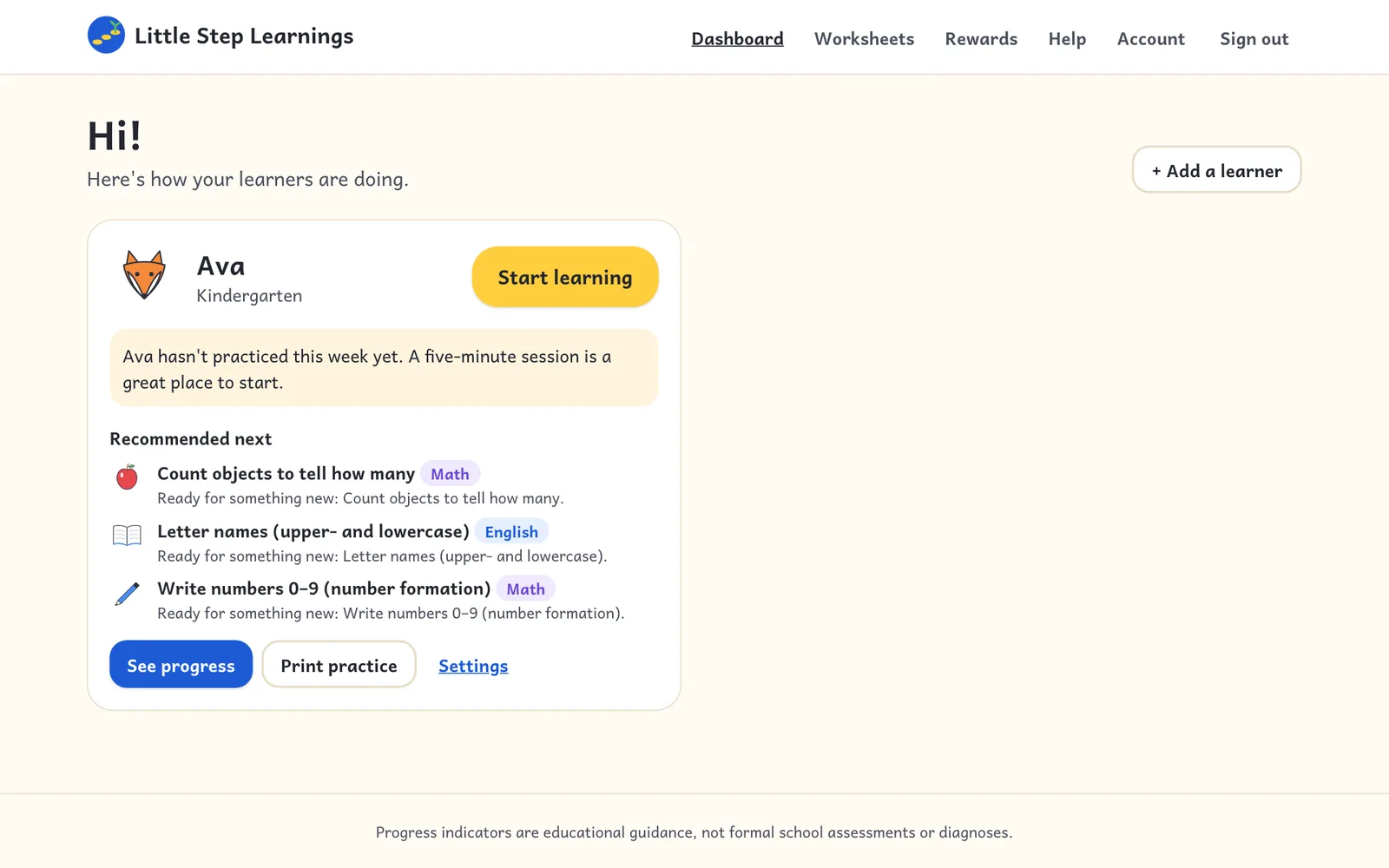
From your dashboard, tap Start learning on your child's card. The device switches to child mode.
On a computer
Hand over the tablet: profiles, the home screen, activities, and getting back to the parent area.
Step 1
From your dashboard, tap Start learning on your child's card. The device switches to child mode.
On a computer
Step 2
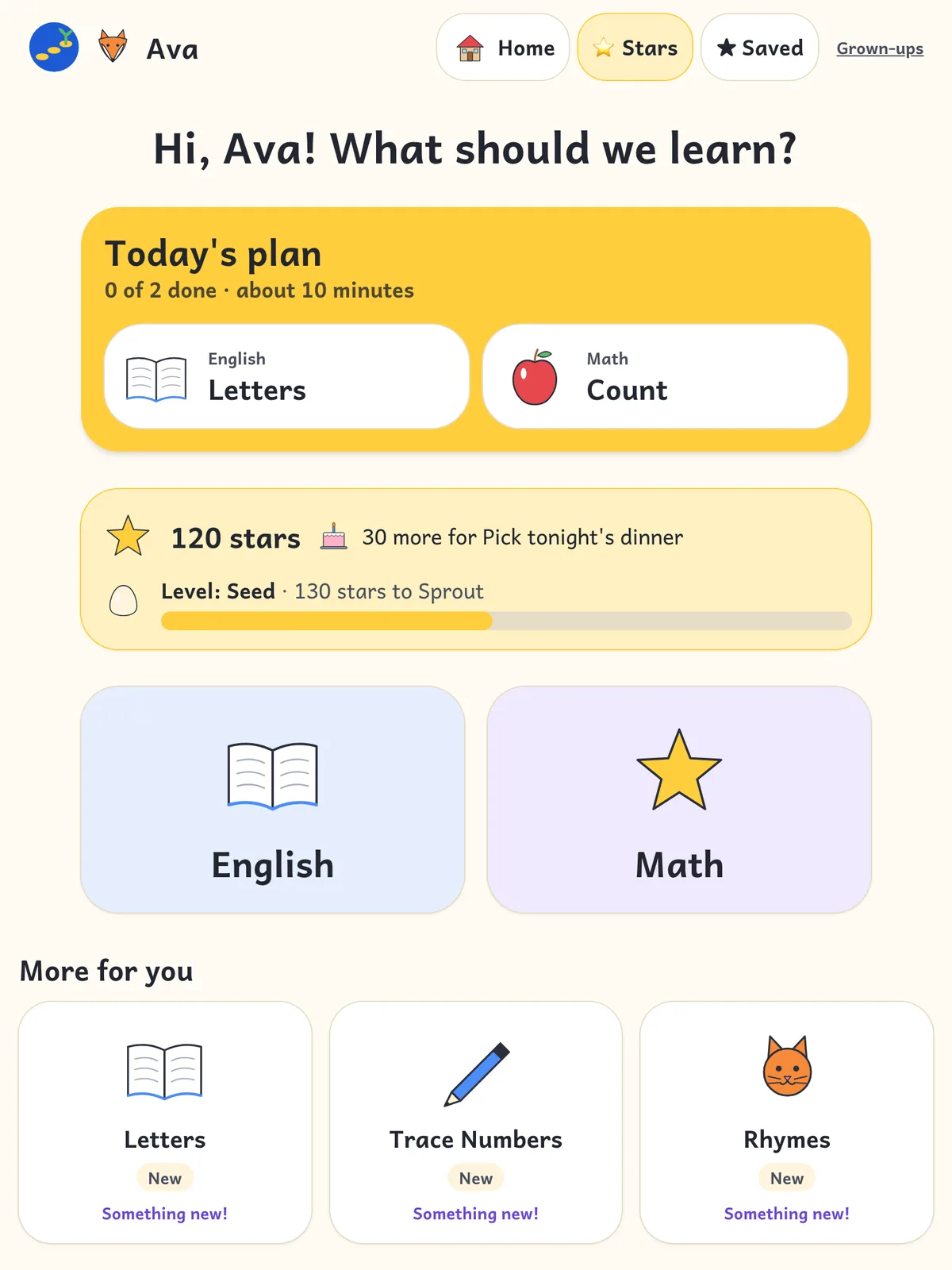
Children see suggestions for what to practice next, their star jar, and big buttons for English and Math. Everything is read aloud.
On a tablet
Step 3
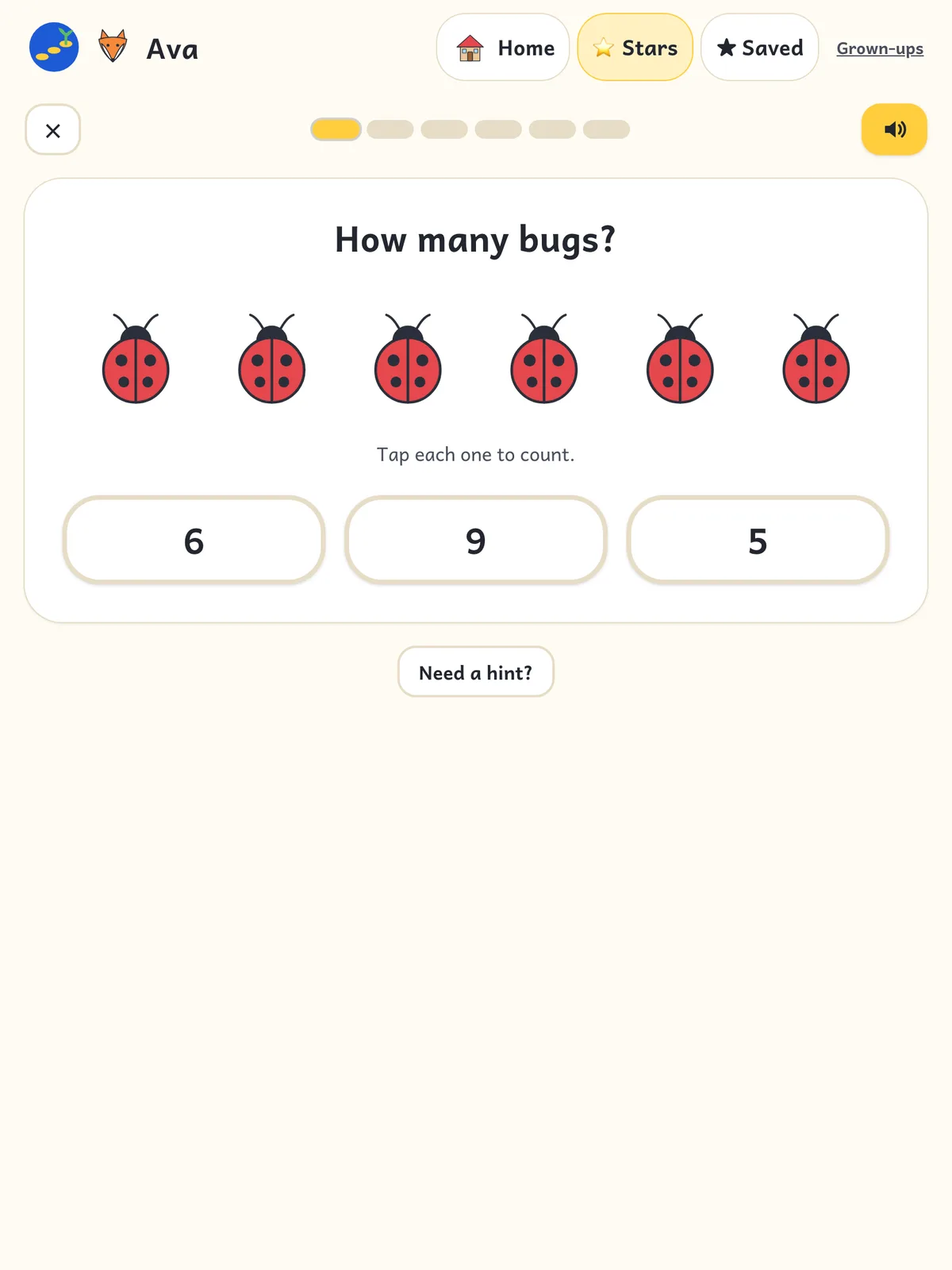
Each activity has a short lesson and hands-on questions. After a miss, children get a hint and another try. Tap the speaker to hear instructions again.
On a tablet
Step 4
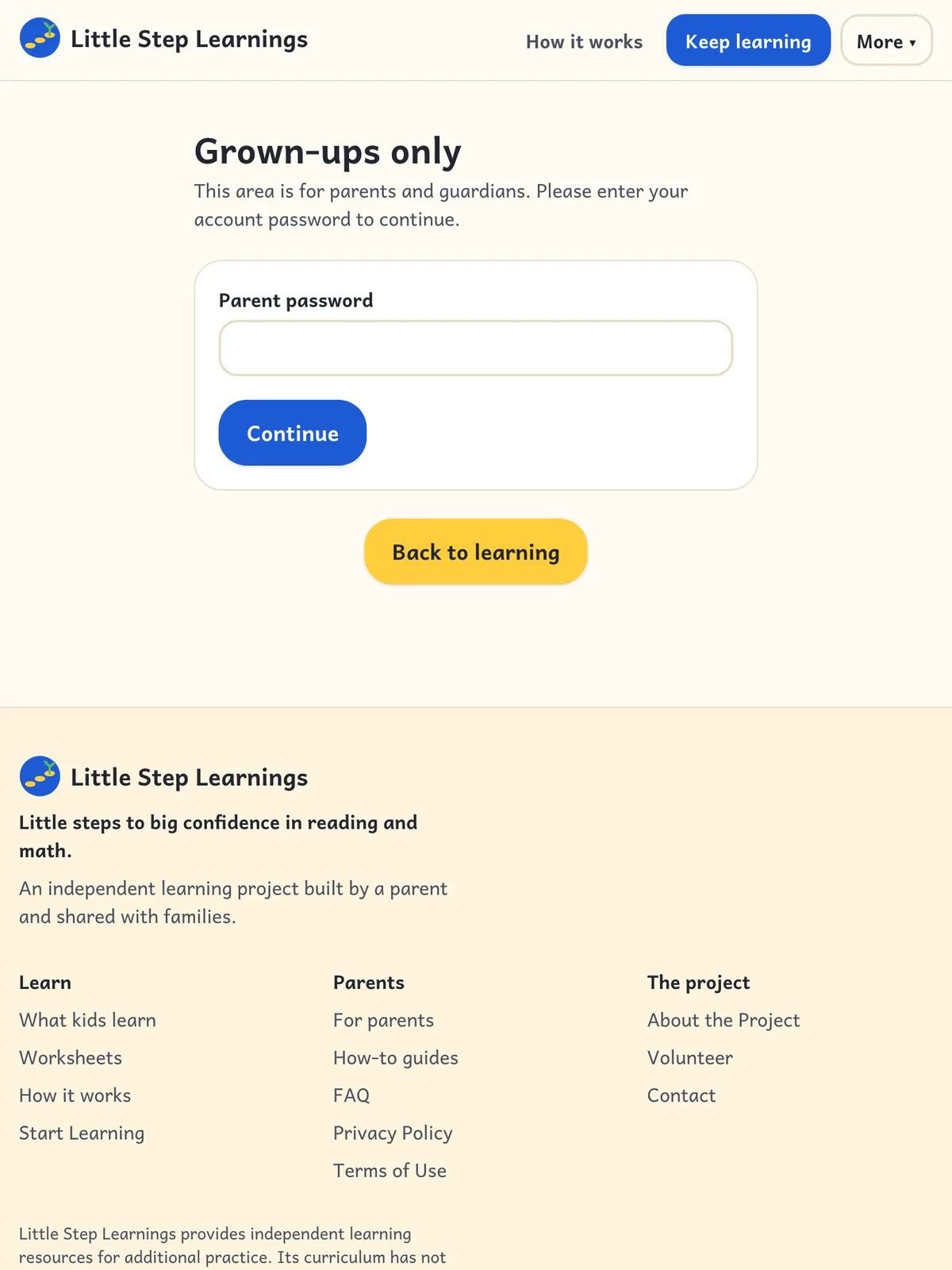
Parent pages are protected: tap the grown-up link and enter your password to leave child mode.
On a tablet