Step 1
Choose days and length
From your child's progress page, open Study routine. Choose the days and how long a session should be.
On a computer
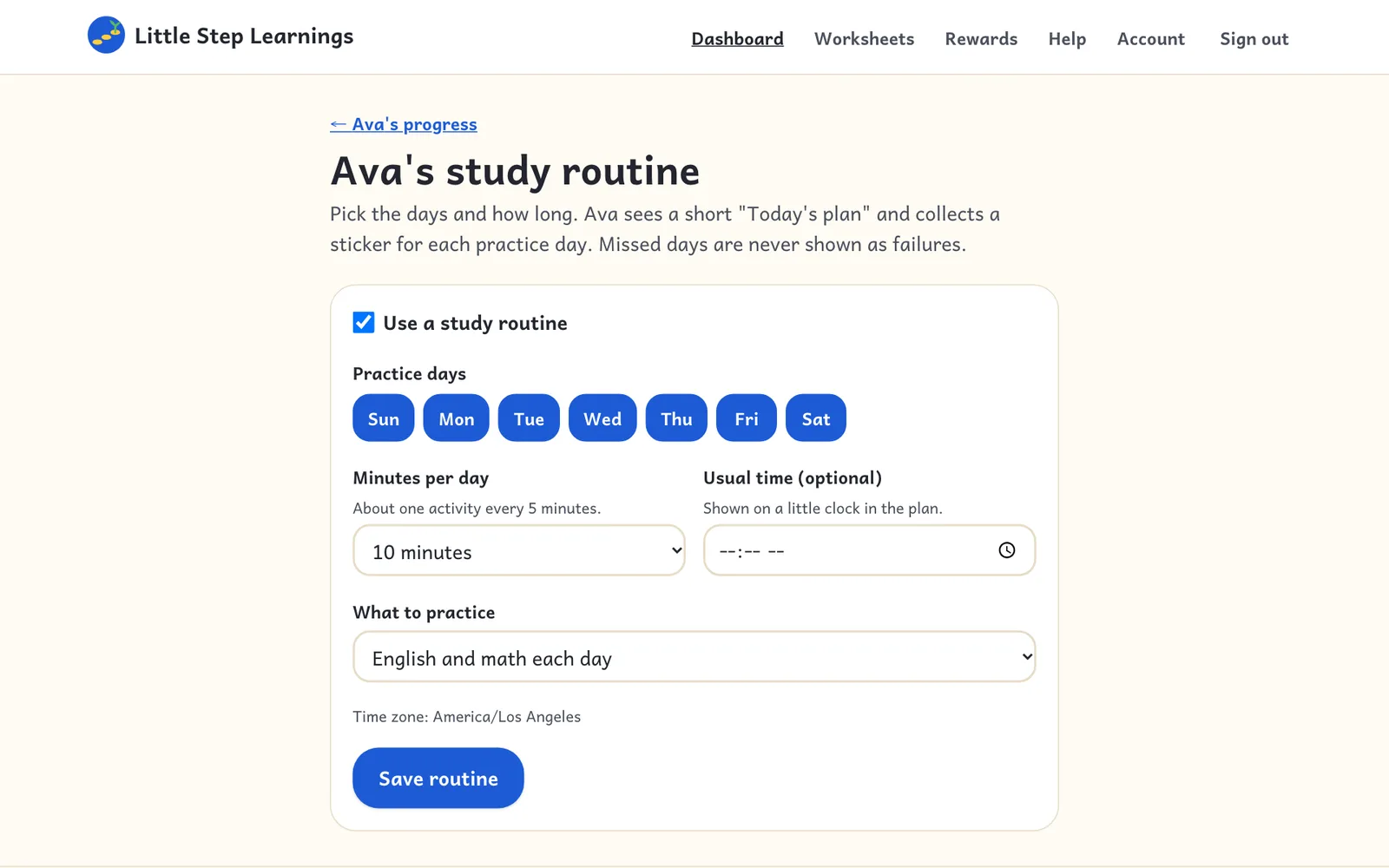
Pick practice days and a session length; your child sees Today's plan and a sticker chart.
Step 1
From your child's progress page, open Study routine. Choose the days and how long a session should be.
On a computer
Step 2
On routine days, your child's home screen shows Today's plan and a sticker for each day they practice. Missed days are never marked.